GTA 6 – 15 Gameplay Settings to Change Before Your First Mission

G rand Theft Auto 6 is finally upon us, and with how massive the world can be, and the sheer number of systems – either new or heavily changed- you’ll spend a lot of time learning what to do (and probably dying in the process). But before all that, it helps to configure a few settings before even embarking on your first mission/mass slaughter. As is tradition, GTA 6 offers a plethora of settings to configure, from your movement and aiming to the UI and even certain cinematic elements. Some can even make a huge difference to the gameplay, even if it slightly bends the balance in favor of the player. Without further ado, here are 15 things you should absolutely do first, starting with… Select Your Aiming Method There are three aiming methods: Lock-on, Partial and Free Aim. The first, as you would expect, locks on to the nearest enemy and may be preferred if you’re not too fussy about target selection. Partial is the compromise between two extremes, as it guides your aim towards a nearby target without fully locking on. If you don’t want to lock on at all and instead aim freely, then Free Aim is where it’s at. You never know when you need to precisely shoot something that isn’t an enemy. Different Control Schemes In that vein, it’s also worth noting that there are three control sche
Preview from GamingBolt · Up to 1,300 characters supplied by the feed.
GamingBoltContinue reading at GamingBoltThe complete article is published on the original website. GTANIX hosts the reader conversation.
More to explore

How to Get Paul Walker’s Mitsubishi Eclipse in GTA 6
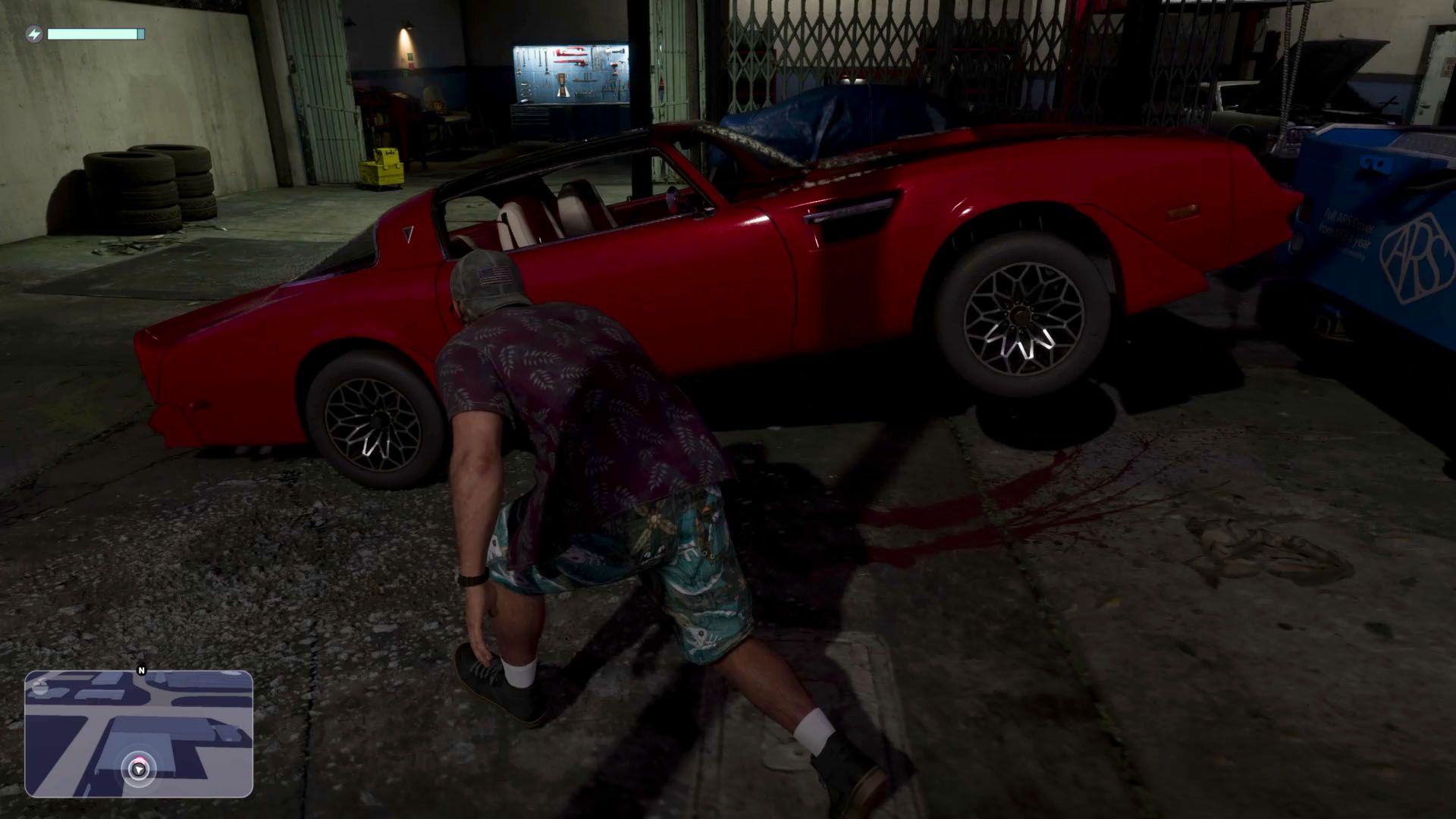
GTA 6: How to Steal the Red Phoenix

Best GTA 6 Navigation Experience - minimap options explained

You Can Now Download and Print GTA 6's Official Leonida Map
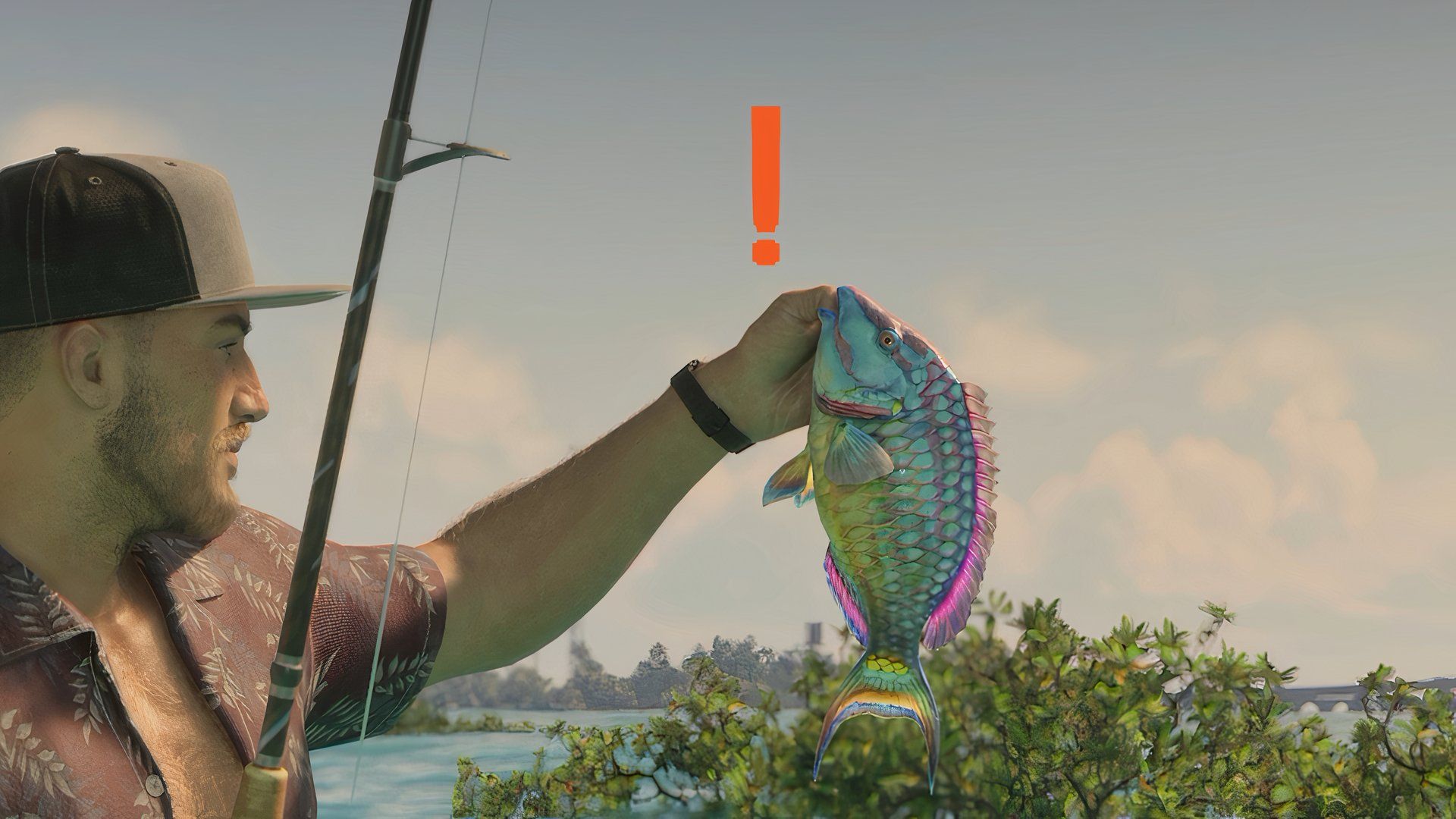
GTA 6: How to Catch a Bigger Parrotfish for Cal

How do you feel about this story?
0 reactions · Sign in to add your reaction.
Sign in to comment, react and save Create a free account
Community comments
No approved comments yet. Start a useful discussion.