GTA 6 players hail the game's photo mode as a 'cinematography simulator'
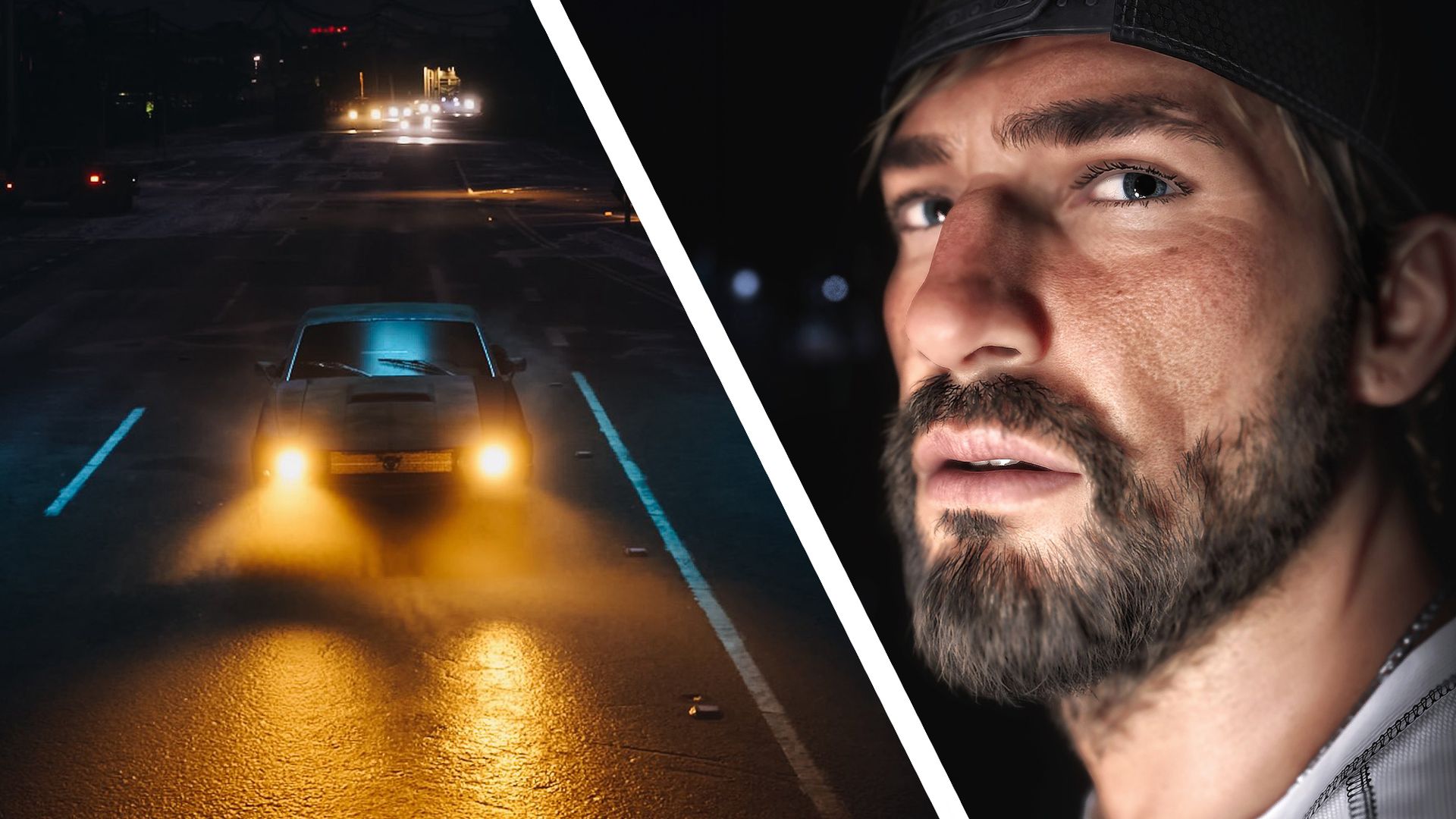
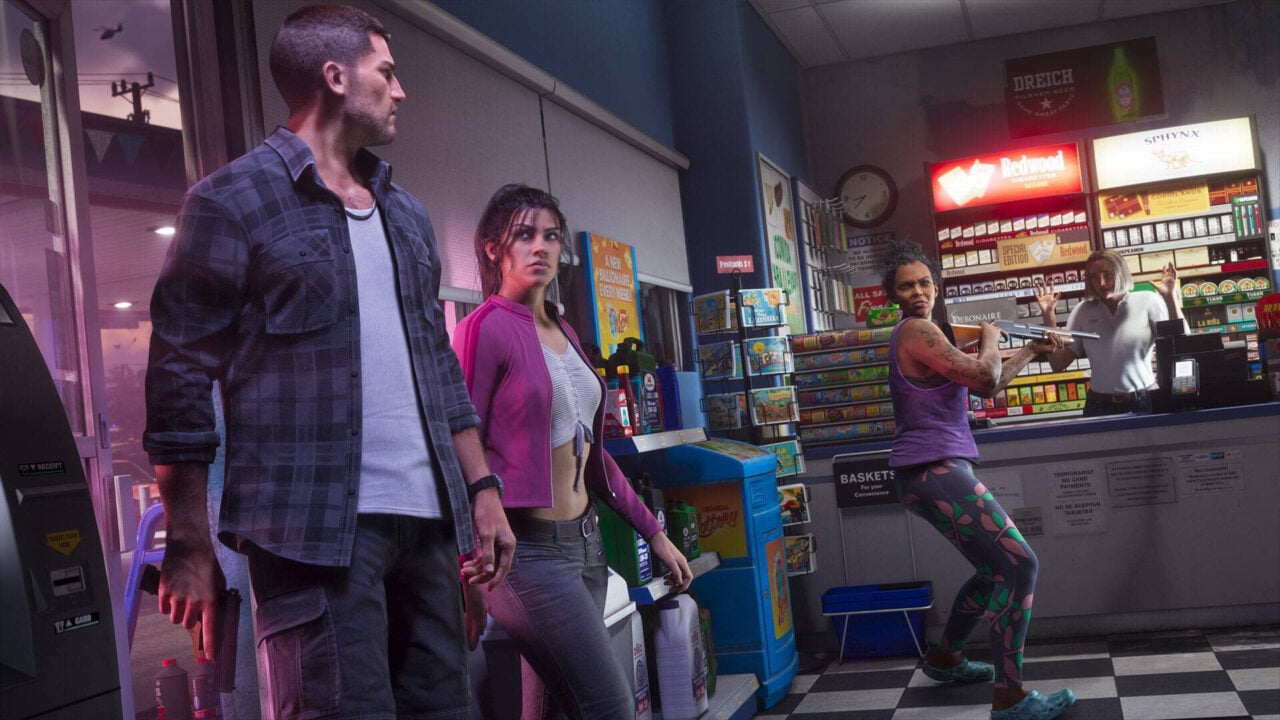
GTA 6 players have discovered the game's impressive 'Photo Studio' The in-game photography mode gives you dozens of editing options Some have lauded it as a "cinematography simulator" Our GTA 6 review hails the game as "graphically beautiful and striking" — and some early players are so struck by its visuals they're spending more time in the game's photo mode than on the missions themselves. The GTA 6 'Photo Studio' can be found by pausing the game and pressing the square button on the PS5 or the X button on Xbox. As a photographer, I'm staggered by the number of technical and editing options on offer — and I'm clearly not alone. The filmmaker Patrick Tomasso, for example, has hailed GTA 6 as a "cinematography simulator", using the custom lighting and editing tools to create the moody, neo-noir shots below. GTA 6 is a cinematographer simulator. here’s some shots i took in photo mode. the custom lighting and editing tools are so much fun to play with. https://t.co/aPHpMEFH1Y November 19, 2026 These kinds of shots are possible because the game's photo mode goes well beyond offering basics like aspect ratio, depth-of-field control, exposure adjustments, and grain. The 'Lighting' section lets you add layers (or slots) for sculpting the light in your scene, moving the lights around an
Preview from TechRadar · Up to 1,300 characters supplied by the feed.
TechRadarContinue reading at TechRadarThe complete article is published on the original website. GTANIX hosts the reader conversation.
More to explore

Doja Cat Is Crashing Out About Her Music Not Being In GTA 6: ‘I’m So F*ckin Bitter’
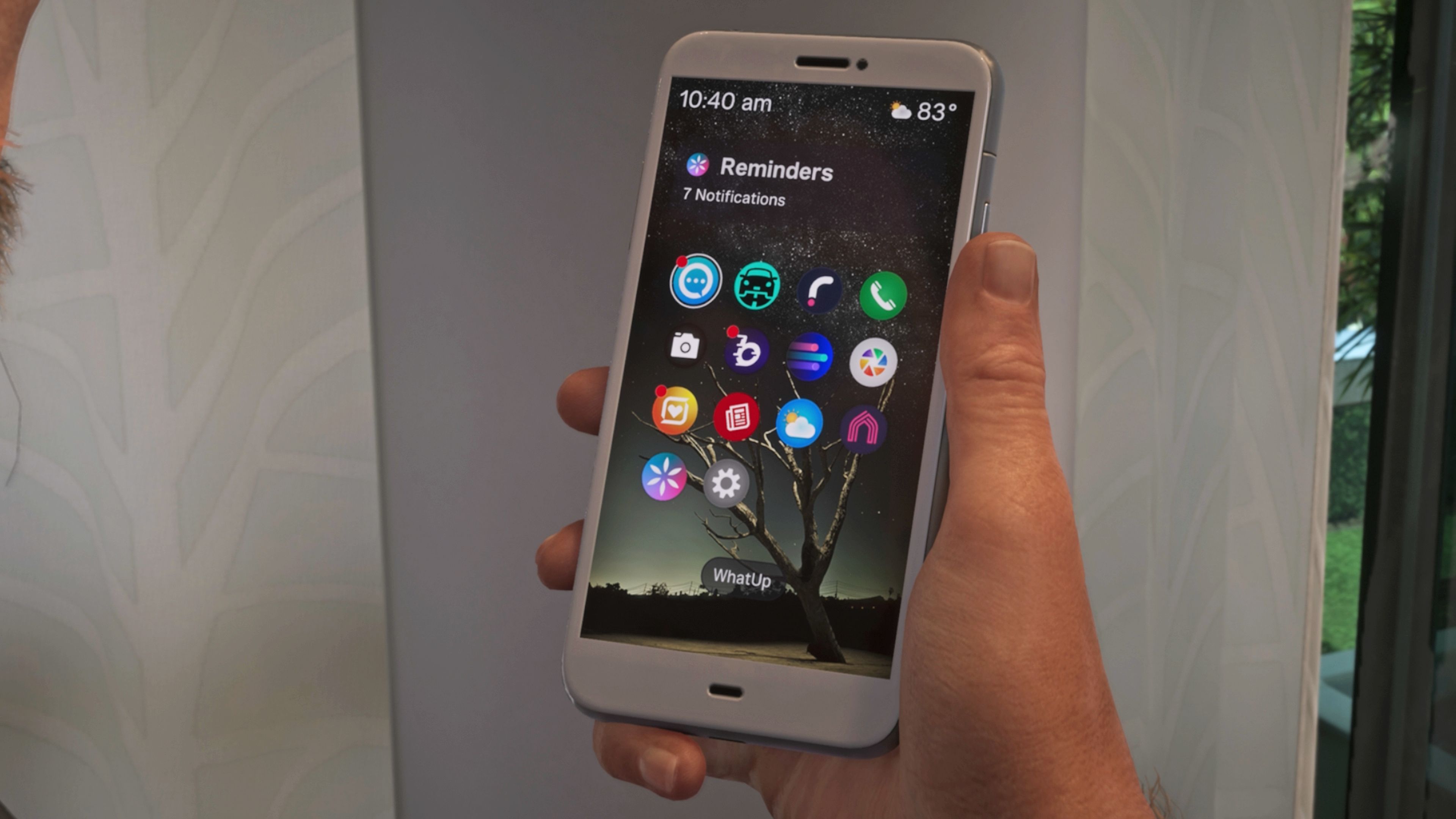
Phone apps list in GTA 6
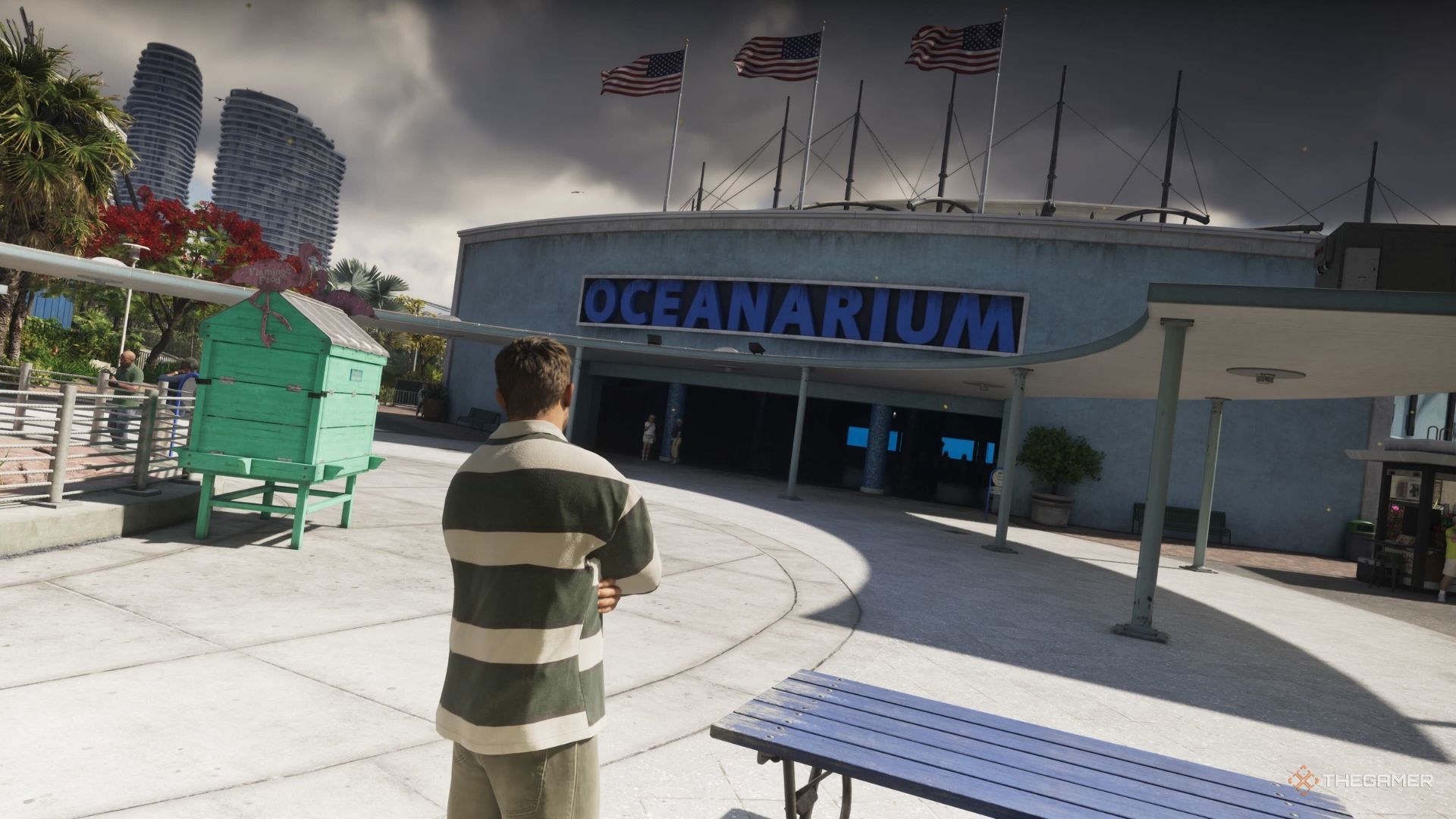
Where To Find The Aquarium In GTA 6

Downing Street Hails GTA 6 as 'British Success Story' — But UK PM Andy Burnham Is Too Busy to Play
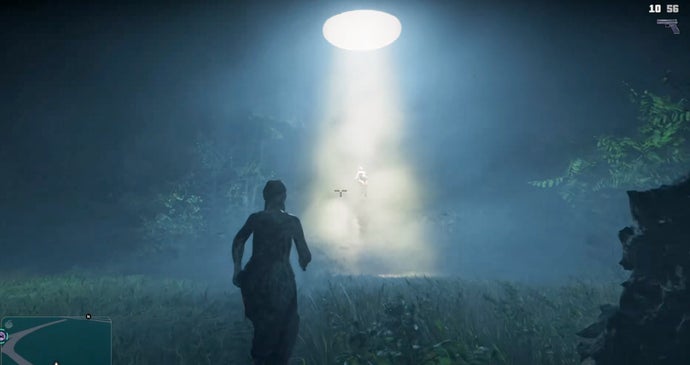
GTA 6 players are being abducted by aliens and knocked out by Bigfoot
How do you feel about this story?
0 reactions · Sign in to add your reaction.
Sign in to comment, react and save Create a free account
Community comments
No approved comments yet. Start a useful discussion.