How to change the time of day in GTA 6
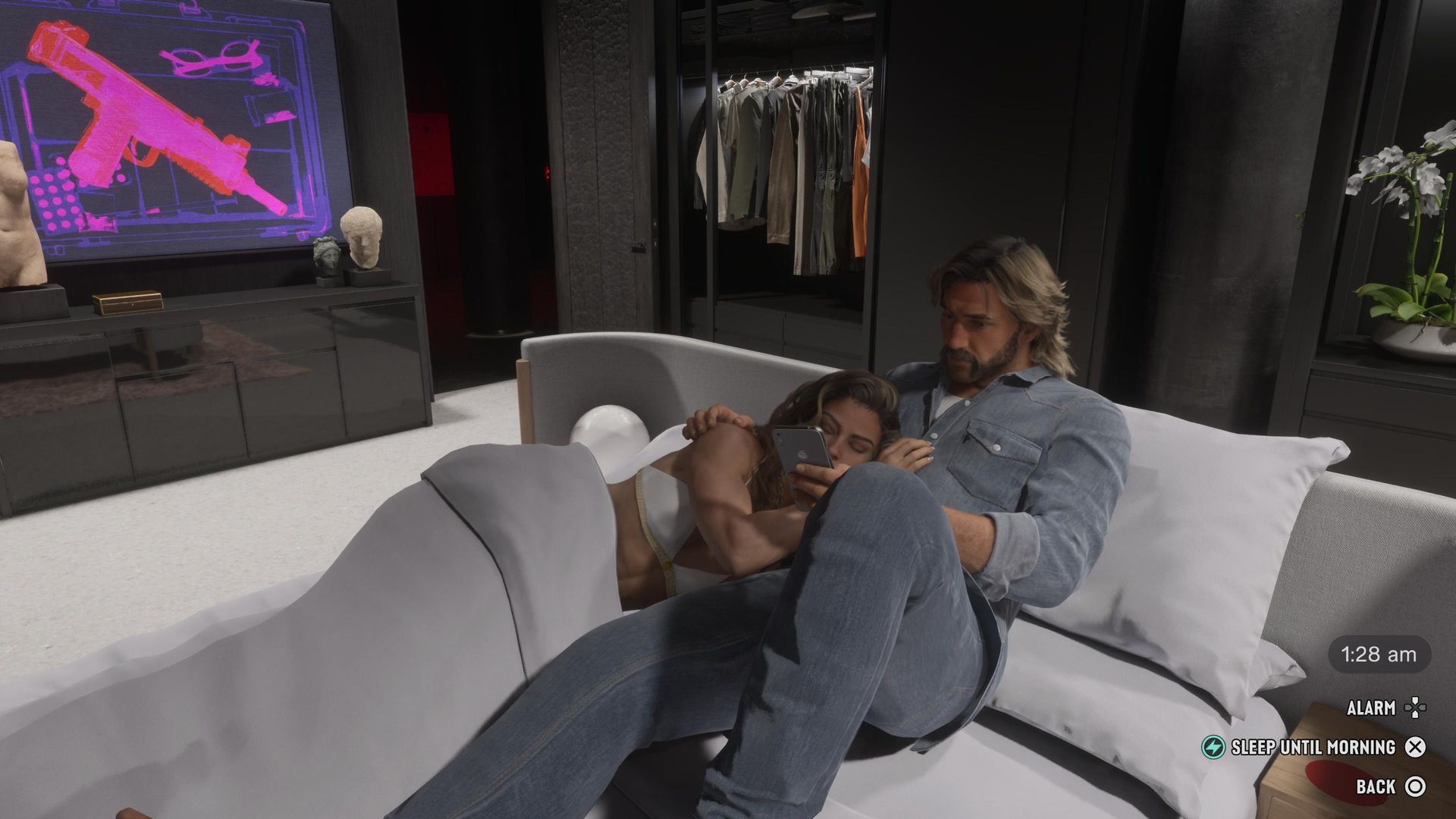
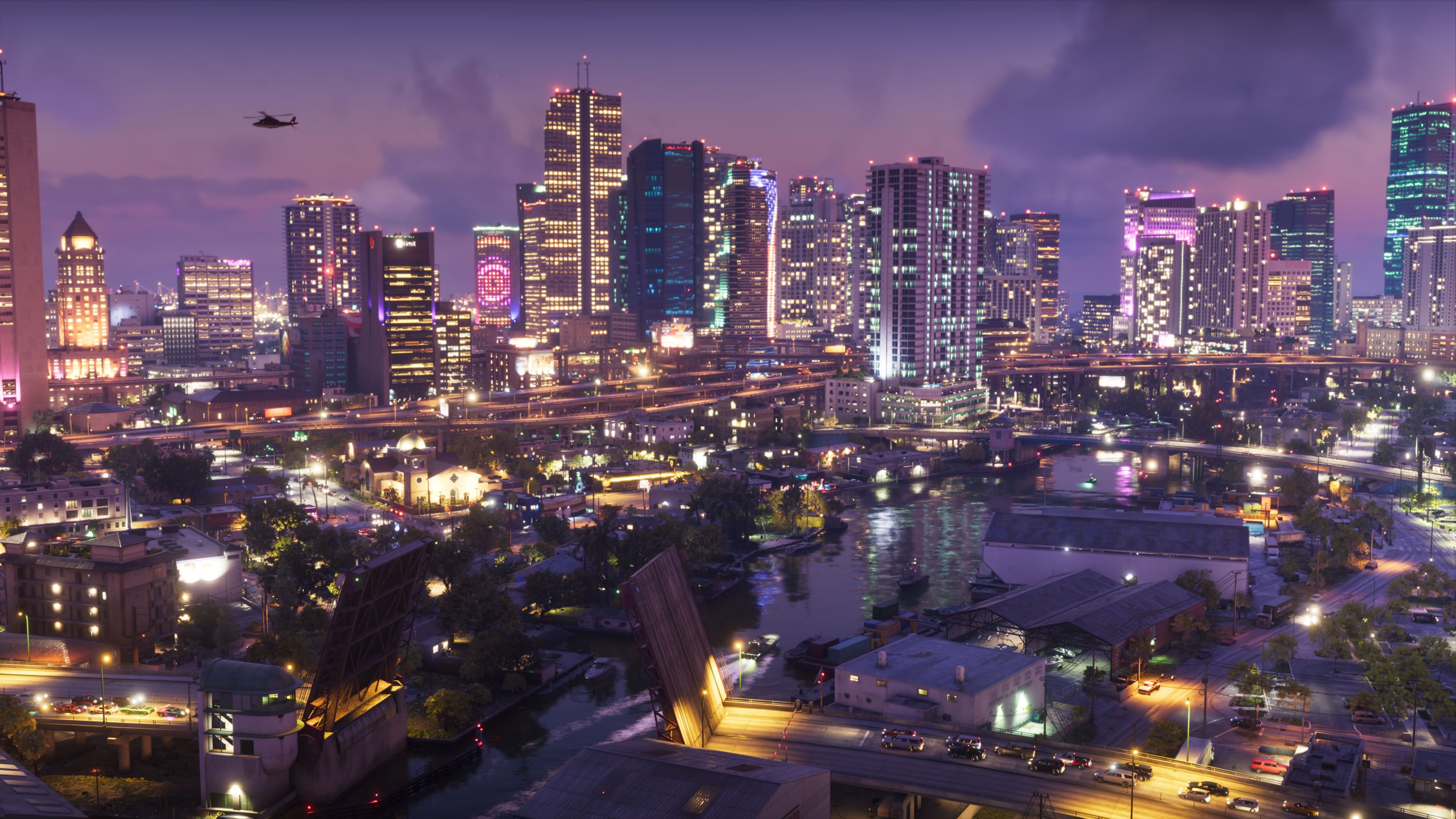
If you're taking your first steps into Key Lento right now, you've no doubt realized that the day and night cycle is considerably longer than it ever was in Los Santos. So you are no doubt wondering how to change the time of day in GTA 6. It's possible, but it takes a little effort to do so. The time of day in GTA 6 works dynamically, meaning that it gradually shifts as you're out in the world committing crimes, driving to destinations, and completing activities. There's big changes between day and night beyond the color palette change too. The police response times are a little longer at night, especially if you're far outside of a major city, while you may also find that buildings that you can enter are more likely to be occupied at night rather than day – you know, when the NPCs have jobs to be at. So if you want to change the time of day in GTA 6 for whatever reason, the easiest way to do this is to go and rest up in the bed of your safehouse. Once Jason or Lucia is resting on the mattress, you have the option of pressing Square/X to sleep. From there you can choose to sleep until whatever time of day that you want to. A similar effect will happen if you try to fast travel in GTA 6 across longer destinations. So that's how you can change the time of day in GTA 6, at least unt
Preview from GamesRadar+ · Up to 1,300 characters supplied by the feed.
GamesRadar+Continue reading at GamesRadar+The complete article is published on the original website. GTANIX hosts the reader conversation.
Also covered by
VGC: How to change the time of day in GTA 6
More to explore
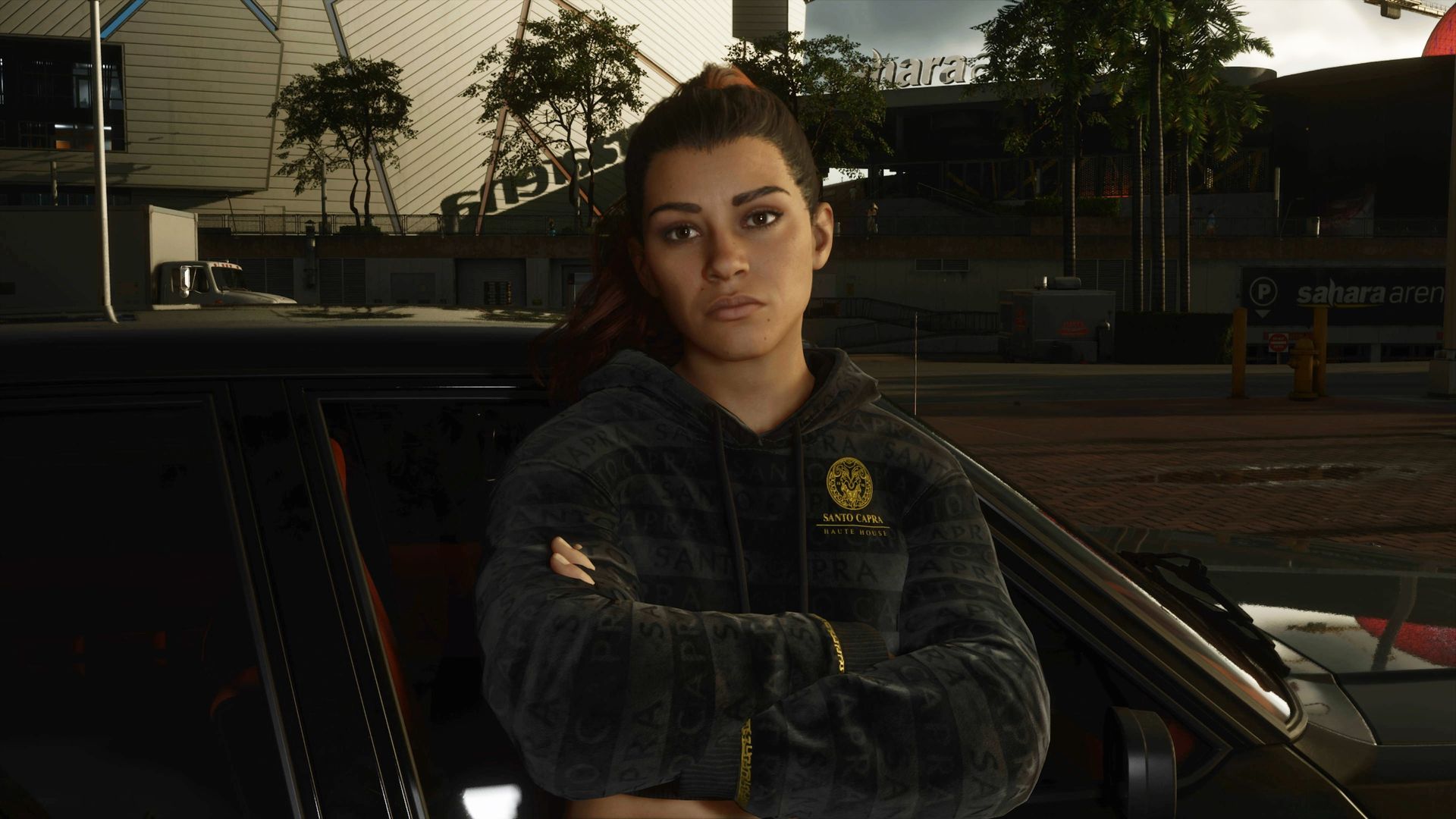
Cheats in GTA 6 are weirdly restrictive, and I'm counting the minutes until the PC version fixes them
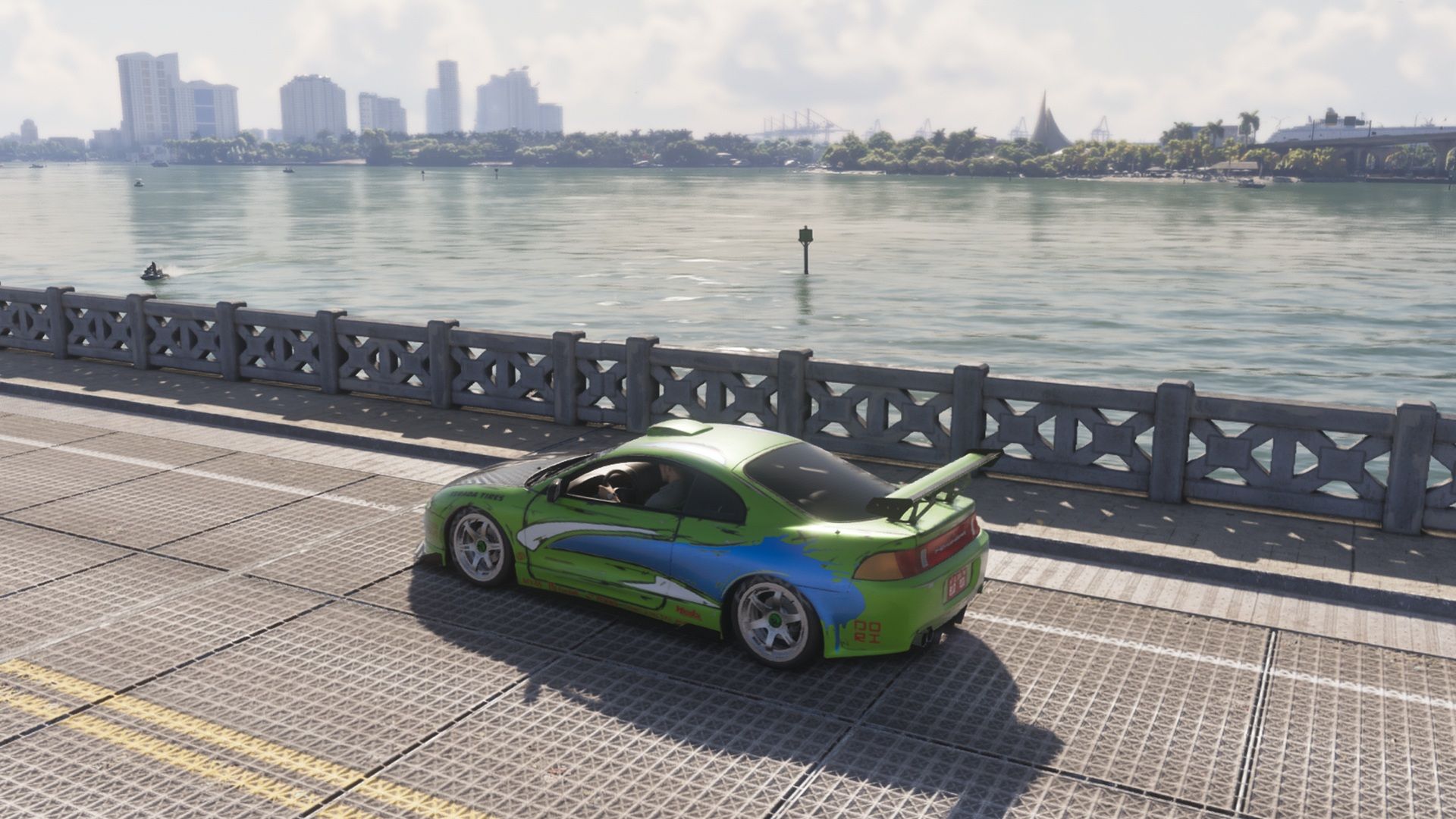
How to Get Paul Walker’s Mitsubishi Eclipse in GTA 6
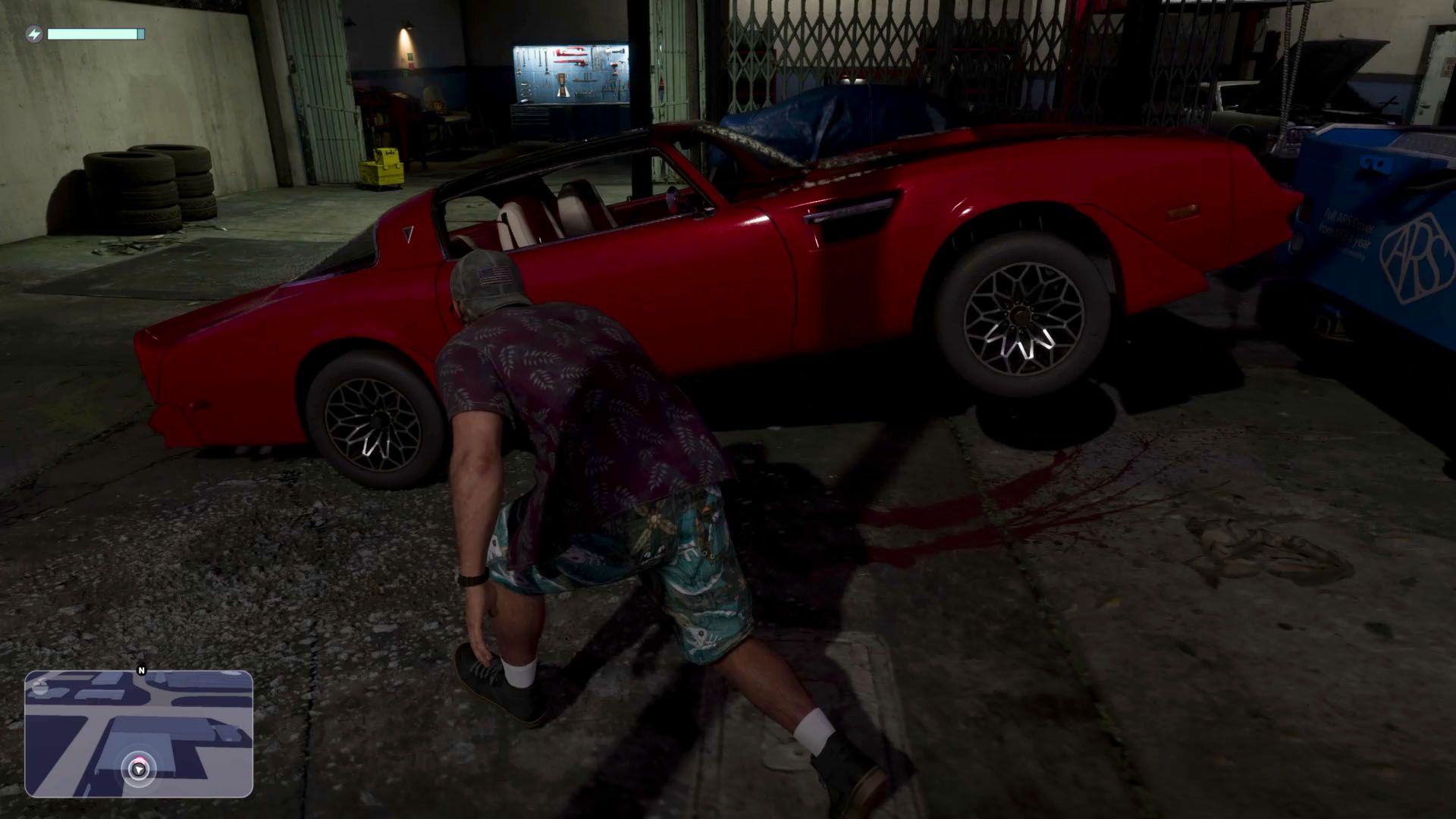
GTA 6: How to Steal the Red Phoenix

Best GTA 6 Navigation Experience - minimap options explained
You Can Now Download and Print GTA 6's Official Leonida Map
How do you feel about this story?
0 reactions · Sign in to add your reaction.
Sign in to comment, react and save Create a free account
Community comments
No approved comments yet. Start a useful discussion.