How to enable classic controls in GTA 6

Classic controls in GTA 6 are a feature that many will have wanted to see, as it's been 13 long years since the release of Grand Theft Auto 5. Many of you have been dipping in and out of that world consistently throughout that time, and if that's the case, there's a couple of aspects of the 2026 release which will come as a bit of a culture shock – particularly the way criminal profiles and GTA 6 Wanted Levels function. Still, one of the biggest and most jarring changes may well be the new default control scheme that Rockstar has introduced. If muscle memory is getting in the way of you having a good time, you can turn on a Classic control scheme in GTA 6 in the options menu. How to toggle classic controls in GTA 6 (Image credit: Rockstar Games) If you'd like to have an experience that's close to that of GTA 5, you should activate the Options/Menu button on your controller and navigate to Settings to find the option to switch from the default scheme to the Classic control scheme in GTA 6 . This will make a few key changes to the way the game handles. For starters, the GTA 6 default control scheme has running set to L3/LS (rather than tapping X/A, which is now assigned to jumping). Melee has also been shifted to Square/X. GTA 6 Classic Control changes Button Action X/A Run/Sprint
Preview from GamesRadar+ · Up to 1,300 characters supplied by the feed.
GamesRadar+Continue reading at GamesRadar+The complete article is published on the original website. GTANIX hosts the reader conversation.
More to explore

Cheats in GTA 6 are weirdly restrictive, and I'm counting the minutes until the PC version fixes them

How to Get Paul Walker’s Mitsubishi Eclipse in GTA 6
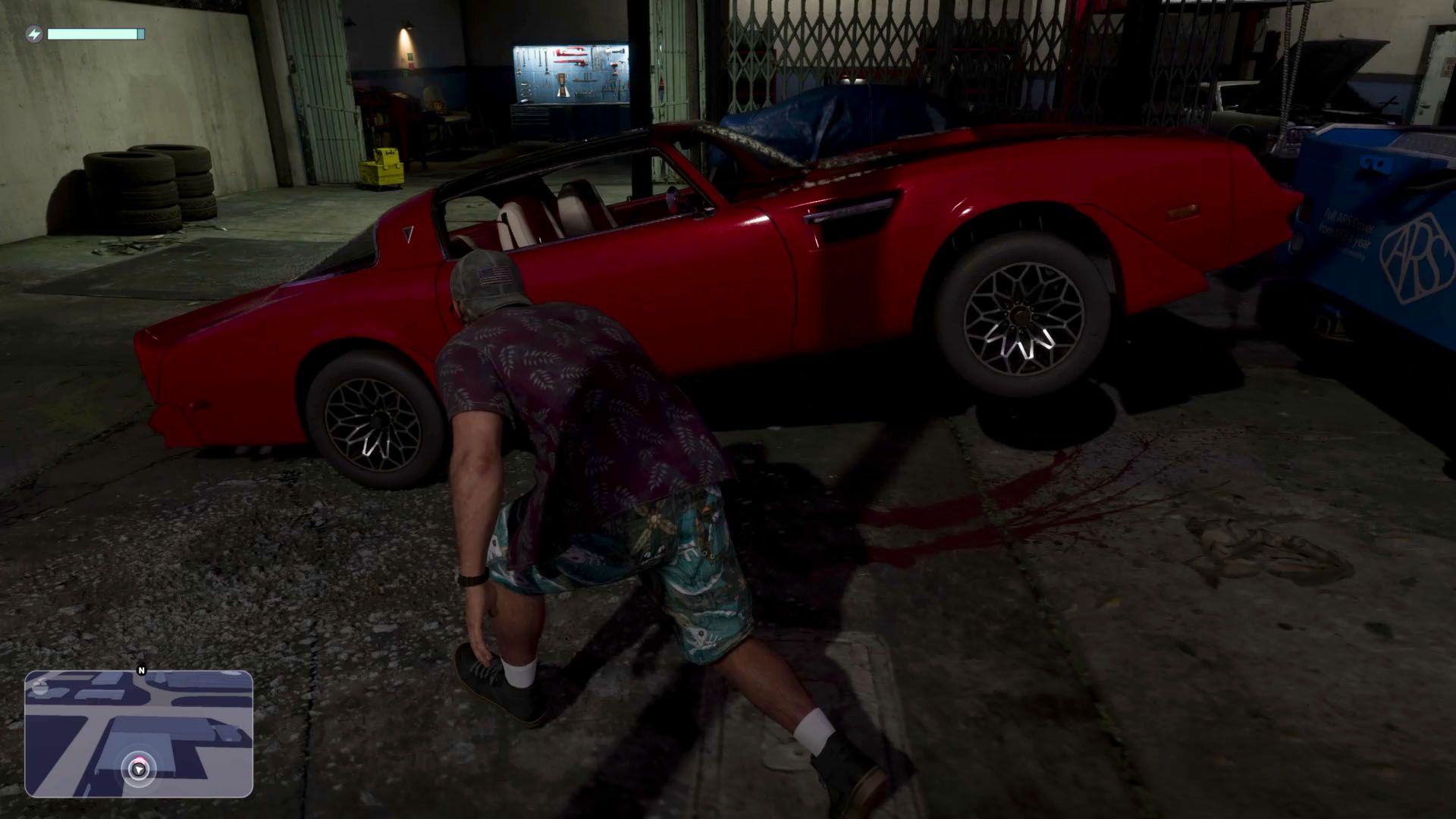
GTA 6: How to Steal the Red Phoenix

Best GTA 6 Navigation Experience - minimap options explained

You Can Now Download and Print GTA 6's Official Leonida Map

How do you feel about this story?
0 reactions · Sign in to add your reaction.
Sign in to comment, react and save Create a free account
Community comments
No approved comments yet. Start a useful discussion.