How to store, manage, and recover guns at Ammu-Nation in GTA 6
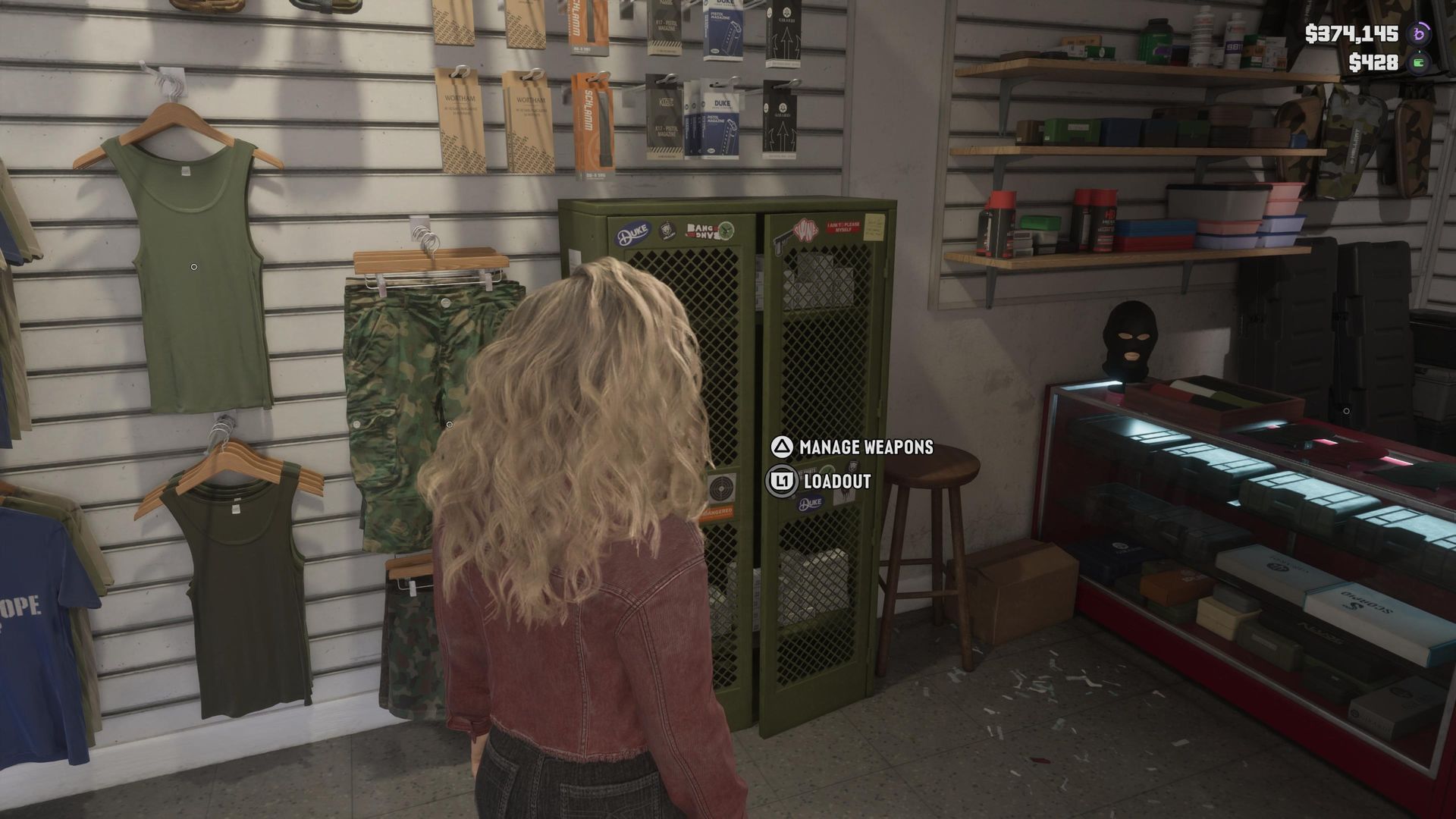
There will come a time during your adventures in GTA 6 that you own too many weapons. This sounds like a great problem to have, but the reality is that it can make quickly equipping your favorite longarms and sidearms from the trunk of your vehicle a bit of a nightmare – particularly if you have the cops or gangs chasing you down. I've already walked you through the basics of how to manage your loadout in GTA 6 , but here's a quick tip to help you get the most out of your best GTA 6 guns . Most Ammu-Nation stores have a weapons locker – basically every location besides Pawn shop variants. Approach the green locker, and you'll either press L1/LB to manage your loadout or Triangle/Y to manage your weapons. What you want to do here is click the 'Manage Weapons' option. This will let you see every weapon that you own, all of the Unique Weapon Variants that you have purchased/discovered, and plenty more besides – so long as it's a weapon that you own, this is where you can recover lost or destroyed guns. How to save and remove weapons from your trunk in GTA 6 (Image credit: Rockstar Games) The Ammu-Nation Weapons Locker is also where you can add guns to the trunk of your Personal Vehicle in GTA 6 – ensuring that you have fast and easy access to them while on the move. A good tip here
Preview from GamesRadar+ · Up to 1,300 characters supplied by the feed.
GamesRadar+Continue reading at GamesRadar+The complete article is published on the original website. GTANIX hosts the reader conversation.
More to explore
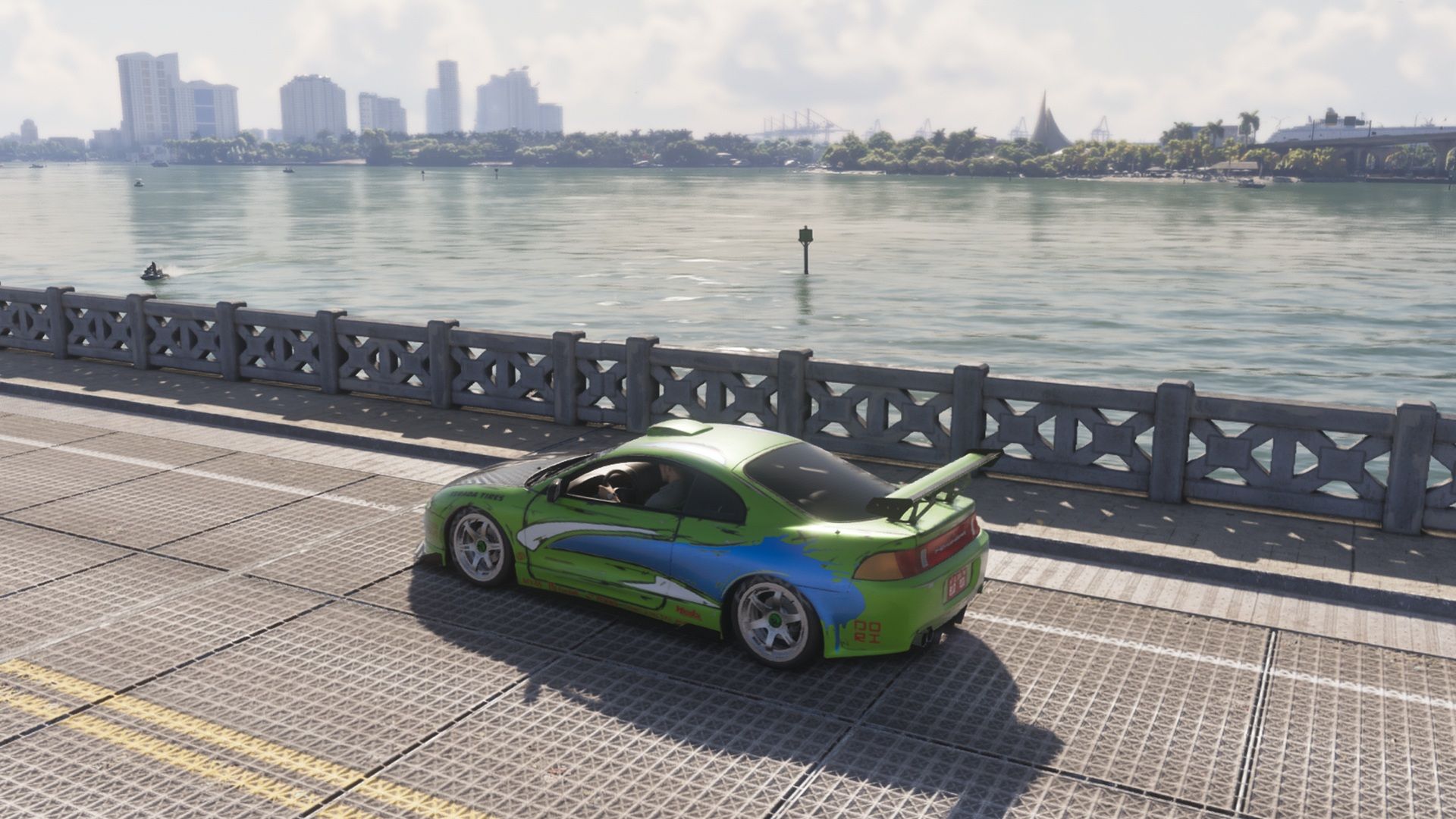
How to Get Paul Walker’s Mitsubishi Eclipse in GTA 6
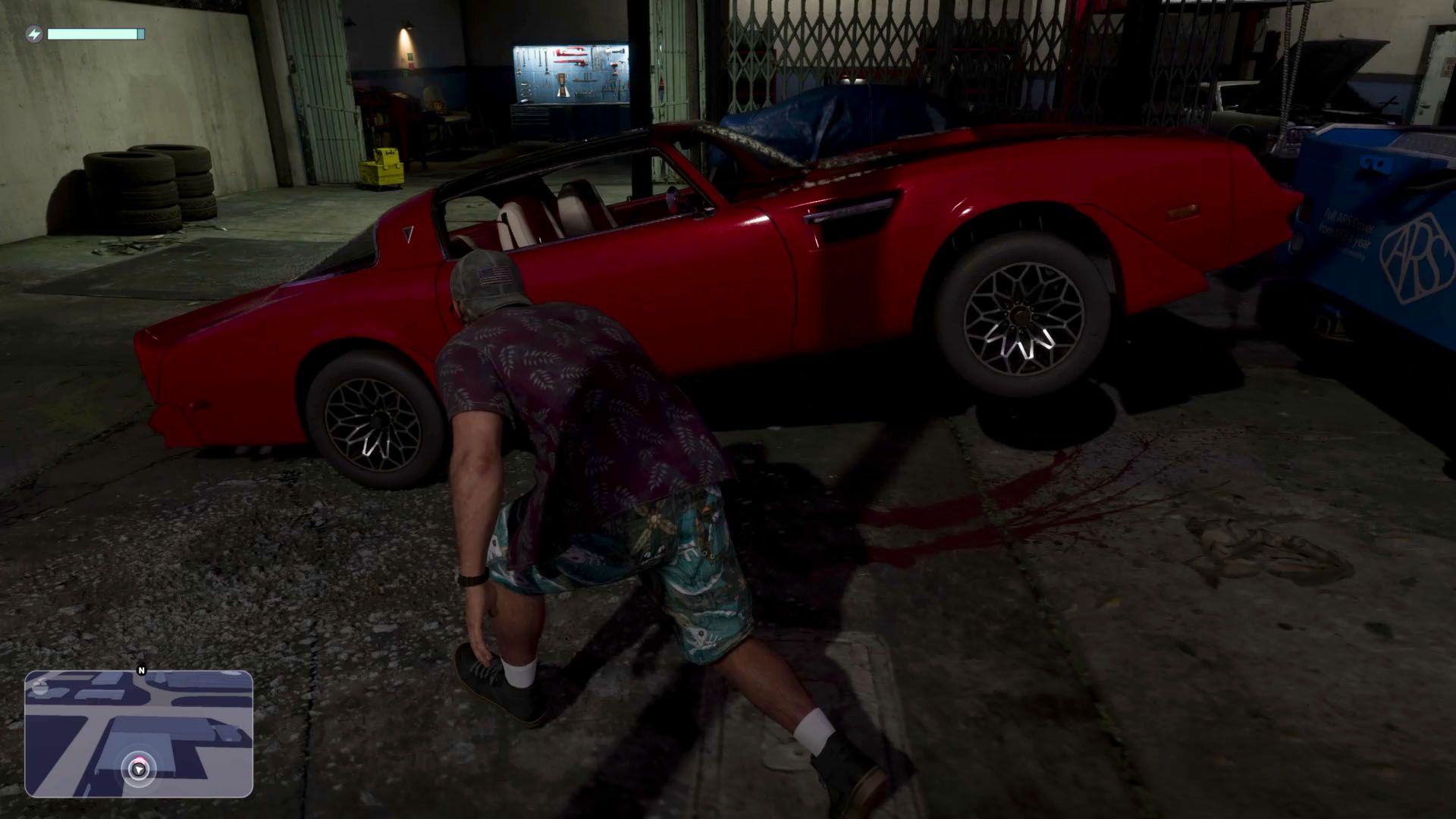
GTA 6: How to Steal the Red Phoenix

Best GTA 6 Navigation Experience - minimap options explained

You Can Now Download and Print GTA 6's Official Leonida Map

GTA 6: How to Catch a Bigger Parrotfish for Cal

How do you feel about this story?
0 reactions · Sign in to add your reaction.
Sign in to comment, react and save Create a free account
Community comments
No approved comments yet. Start a useful discussion.