How to use headphones in GTA 6 to listen to music and podcasts
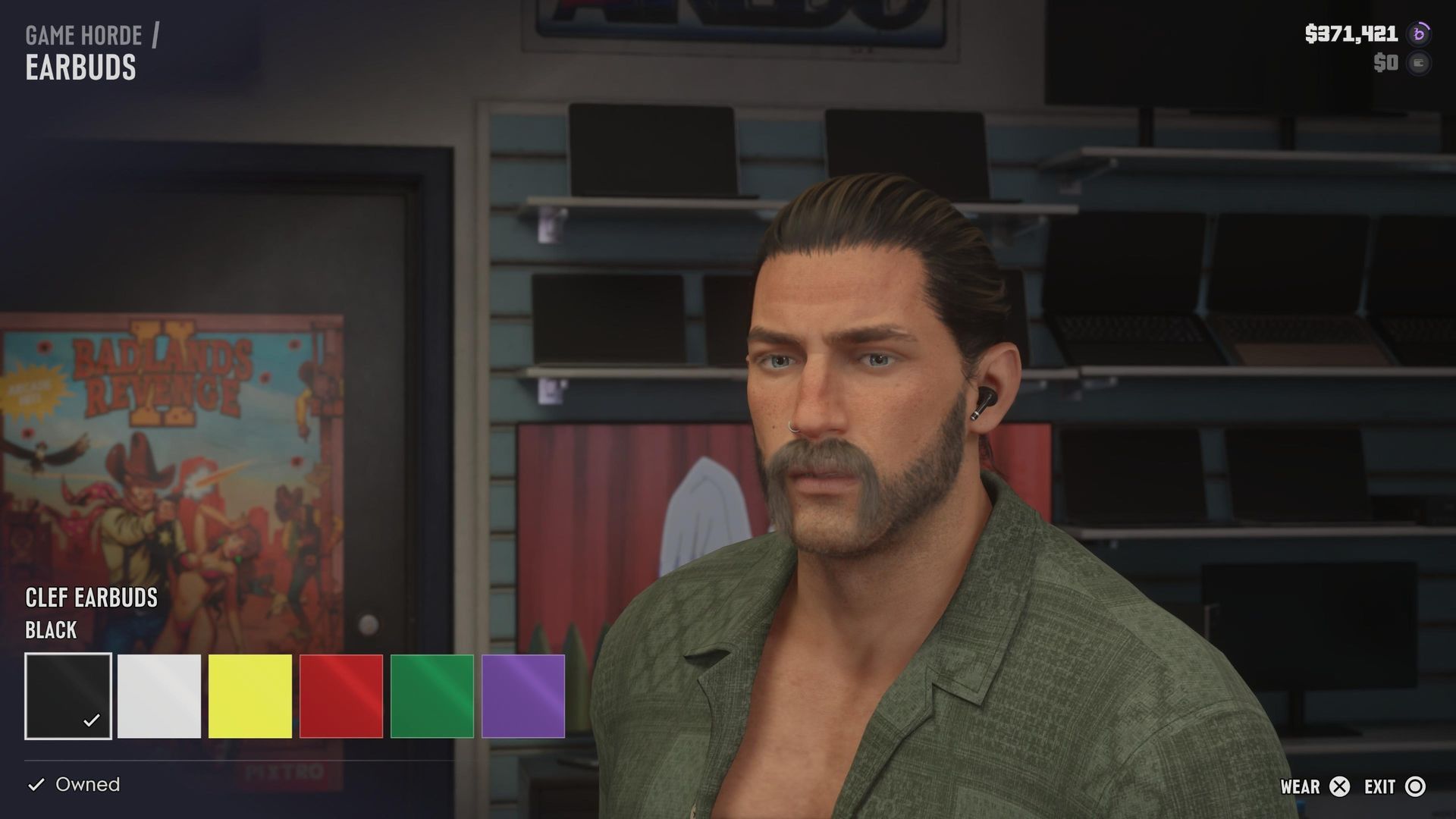
Rockstar has made some vital changes to the way that you listen to music, access podcasts, and change radio stations in GTA 6. You can even listen to music outside of your vehicles for the first time, so long as you have the necessary headgear purchased and equipped. Below you'll find a quick rundown of how to listen to music in GTA 6, how to access on-demand podcasts, and where to buy your own headphones to listen to your favorite songs from the GTA 6 soundtrack while you're roaming around the world of Leonida. How to use the radio in GTA 6 (Image credit: Rockstar Games) There are radios in GTA 6 everywhere. In your safehouse, in whatever vehicles you're driving around, and sometimes you'll find them out in the world too. Thankfully, how to use a radio and change stations in GTA 6 rarely changes. When you're driving a car you'll want to hold Left on the D-pad to access the radio controls. This is also true for radios in the world, bikes, boats, and planes. Whilst you are holding Left on the D-Pad, you can scroll between all of the radio stations either with L1/LB and R1/RB, or with the right thumbstick. Select the station that you want, stop holding the D-pad button, and it'll start playing. You can also go into this menu and press X/A to turn off the radio entirely. You can als
Preview from GamesRadar+ · Up to 1,300 characters supplied by the feed.
GamesRadar+Continue reading at GamesRadar+The complete article is published on the original website. GTANIX hosts the reader conversation.
More to explore

How to Get Paul Walker’s Mitsubishi Eclipse in GTA 6
GTA 6: How to Steal the Red Phoenix

Best GTA 6 Navigation Experience - minimap options explained

You Can Now Download and Print GTA 6's Official Leonida Map

GTA 6: How to Catch a Bigger Parrotfish for Cal

How do you feel about this story?
0 reactions · Sign in to add your reaction.
Sign in to comment, react and save Create a free account
Community comments
No approved comments yet. Start a useful discussion.